
When you’re scrolling through TikTok or Instagram Reels, you’ve probably noticed those ultra-polished, stylized videos that seem to pop up everywhere. Many creators are now turning to Jimeng AI to achieve that viral-ready aesthetic without spending hours in editing software. Developed by ByteDance—the same company behind TikTok—this platform understands what makes short-form content click with audiences.
Jimeng AI (即梦AI) is more than just another AI video generator. It’s a comprehensive creative toolkit that includes text-to-image, text-to-video, image-to-video capabilities, and an intelligent canvas for editing and extending your visuals. If you want deep dives into tools like this, bookmark **www.aiinovationhub.com break down the practical side of AI innovation.
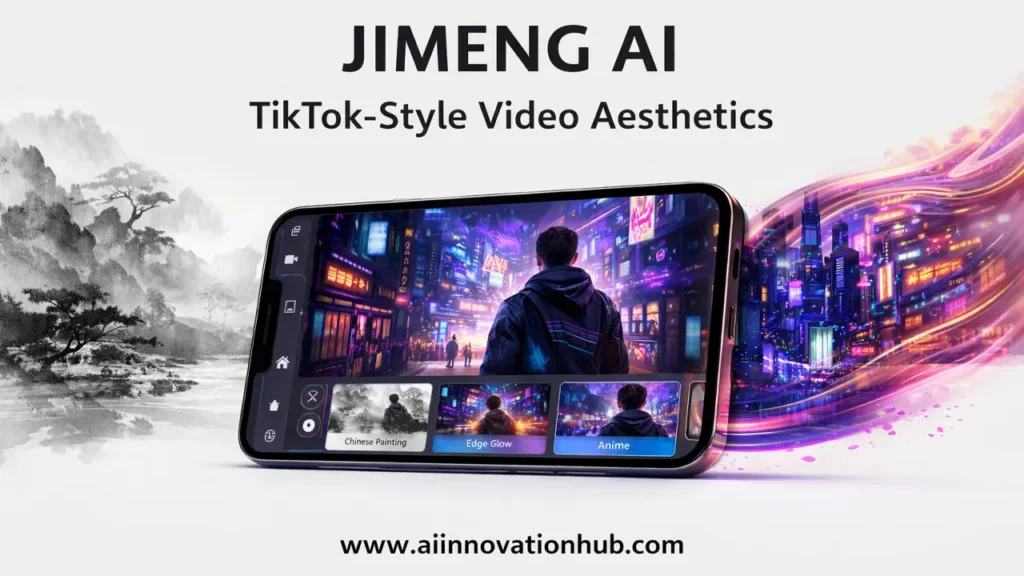
What is Jimeng AI Text to Video and Who Needs It
Let’s start with the basics. Jimeng AI text to video functionality transforms written prompts into short video clips. You type a description—say, “a cat exploring a neon-lit cyberpunk city”—and the platform generates a few seconds of video matching that concept.
This matters for several groups of people. Marketing teams can quickly prototype video ads without hiring a full production crew. Social media managers can test different visual concepts before committing to expensive shoots. E-commerce sellers can create product showcase videos from simple descriptions. Content creators and bloggers can add dynamic visual elements to their stories without learning complex video editing software.
The Jimeng AI text-to-video engine is built with ByteDance’s understanding of what works on platforms like TikTok and Douyin. The outputs tend toward punchy, attention-grabbing visuals that fit the rhythm of short-form content. You’re not just getting a video—you’re getting something designed for the scroll.
What sets this apart from typing prompts into generic AI tools is the speed and polish. The platform knows you’re likely creating content for social media, so the default outputs are formatted, paced, and stylized accordingly. No need to manually crop to 9:16 or adjust timing for TikTok’s algorithm—Jimeng AI handles those details.
Jimeng AI Image to Video: Bringing Pictures to Life Without Editing
Sometimes you already have the perfect image—a product photo, a piece of artwork, an illustration—and you just need it to move. That’s where Jimeng AI image to video comes in.
Upload your static image, and the platform analyzes it to create motion. A portrait might turn into a subtle head turn with blinking eyes. A landscape could transform into a slow pan with animated clouds. A product shot might rotate smoothly to show different angles.
This feature is incredibly practical for specific scenarios. Fashion brands can turn lookbook photos into dynamic Reels without reshooting. Artists can showcase their illustrations with added depth and movement. Real estate agents can make property photos more engaging by adding gentle camera movement and atmospheric effects.
The Jimeng AI image-to-video process doesn’t require you to understand keyframes, motion paths, or video editing concepts. You’re essentially giving the AI a starting point and letting it interpret how that image would naturally move. The results work particularly well for social media posts where you need something more eye-catching than a static image but don’t have the time or budget for full video production.
One clever use case: taking screenshots from games or anime and creating short animated sequences. The platform understands stylized content particularly well, so these transformations often look more natural than you’d expect from automated tools.
ByteDance AI Video Generator: Why “Viral Aesthetic” is Built-In
Let’s talk about why the ByteDance AI video generator approach feels different. ByteDance didn’t just bolt AI capabilities onto an existing product—they built this with their deep knowledge of what makes videos shareable on platforms they helped define.
Think about TikTok’s success. It’s not just about short videos; it’s about a specific rhythm, pacing, and visual language that keeps people watching. That same DNA runs through Jimeng AI. The platform’s defaults favor punchy cuts, bold colors, and compositions that work even on small screens.
When you generate content through the ByteDance AI video generator technology, you’re tapping into data-informed choices about what holds attention. The platform has been trained on content that performs well, so it gravitates toward those patterns. Colors pop a bit more. Movements are calibrated for thumb-stopping impact. The overall aesthetic leans toward “ready to publish” rather than “needs post-processing.”
This is particularly valuable if you’re creating content for platforms in ByteDance’s ecosystem—obviously TikTok, but also Douyin in China, and increasingly other short-form video platforms that have adopted similar formats. The content just feels native to those spaces.
The flip side? If you’re creating longer-form content for YouTube or documentary-style videos, this viral-first approach might not fit your needs. Jimeng AI excels at short, punchy, stylized content. For other formats, you’ll want different tools.
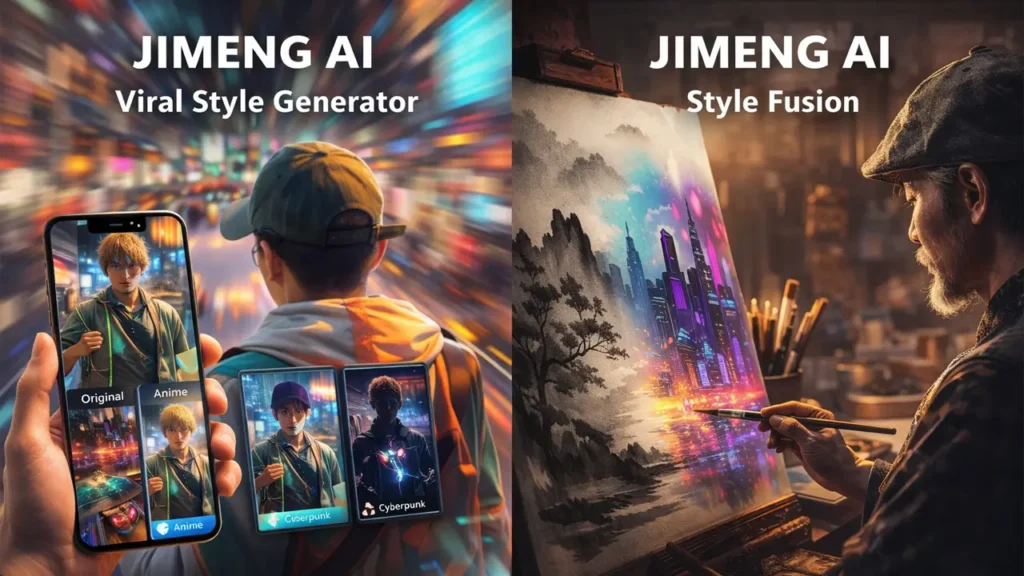
Jimeng AI App: Mobile Workflow in Your Pocket
The Jimeng AI app brings the full creative process to your phone. Here’s how it actually works in practice, without the marketing fluff.
You open the app with an idea—maybe you want to create a quick video for your Instagram story about your new product launch. You type a text prompt or upload an image. The app processes it (usually takes 30 seconds to a couple of minutes depending on complexity). You get your generated video with a few variation options.
Now comes the practical part: adjustments. Don’t like the color scheme? Tweak it. Want a different camera angle? Regenerate with a modified prompt. Need to extend the video by a few seconds? Use the canvas tools to expand the content.
Once you’re satisfied, export directly to your camera roll. From there, it’s one tap to Instagram, TikTok, or wherever you’re posting. The Jimeng AI app is designed for this mobile-first workflow—create, edit, share, all without touching a computer.
The interface is straightforward. If you’ve used CapCut (also from ByteDance’s Jianying team), you’ll notice familiar design patterns. The learning curve is gentle, which matters when you’re trying to pump out content quickly.
Battery consumption is noticeable during generation—expect your phone to warm up a bit—but it’s not unreasonable. You can queue up multiple generations and let them process while you’re doing other things.
Jimeng AI Web Version: When Browser Beats Mobile
While the mobile app is convenient, the Jimeng AI web version has specific advantages that make it the better choice for certain workflows.
First, screen real estate matters. When you’re reviewing generated videos and making detailed adjustments, a larger display helps you catch details you might miss on a phone screen. Color grading, composition tweaks, and fine-tuning prompts are simply easier when you can see everything clearly.
Second, stability for batch work. If you’re creating a series of videos—say, ten product showcases for an e-commerce catalog—the Jimeng AI web interface handles this more smoothly. You can keep multiple tabs open, compare results side-by-side, and manage your projects without worrying about your phone’s storage or processing limitations.
Third, integration with desktop workflows. Maybe you’re pulling images from Adobe Creative Cloud, Figma designs, or your company’s DAM system. The web version lets you drag and drop files directly from your desktop environment.
The web interface also tends to get features slightly before the mobile app. If ByteDance rolls out new styles, effects, or generation models, they often test them on the web platform first.
Platform Modality Comparison
A technical assessment of user workflows across Mobile and Desktop Web environments.
| Feature Workflow | Mobile Application | Web Architecture |
|---|---|---|
| Content Creation | Excellent Optimized for on-the-go capture and rapid publishing. | Good High efficiency; primarily limited by desk-bound hardware. |
| Batch Processing | Limited Constrained by device thermal limits and OS backgrounding. | Excellent Multi-project handling with high CPU/Memory headroom. |
| Precision Editing | Adequate Functional for broad adjustments; limited by screen real estate. | Superior Large display support for pixel-perfect detail work. |
| File Management | Integrated Native camera roll and media library synchronization. | Traditional Standardized desktop file system and cloud drive access. |
| Distribution | One-Tap Native API hooks for instant social media sharing. | Staged Requires manual download-then-upload sequences. |
Most power users end up using both: mobile for quick ideas and social media posting, web for serious production work and client projects.
AI Anime Style Generator: Stylization Without the Struggle
The AI anime style generator capabilities in Jimeng AI deserve special attention because they actually work well—which isn’t always true for automated anime conversion tools.
When you select anime style, the platform analyzes several elements: facial features get transformed with larger eyes and softer proportions; line work becomes cleaner and more defined; colors shift toward the saturated, cel-shaded palette common in anime; backgrounds simplify into characteristic anime aesthetics with specific detail patterns.
This matters for practical applications. Profile pictures and avatars can be converted from regular photos into anime versions that don’t look awkwardly filtered. Content creators making YouTube thumbnails or Twitch graphics can generate anime-styled characters without hiring an illustrator. Merchandise designers can create anime-inspired product mockups for testing before commissioning final artwork.
The Jimeng AI anime style works particularly well with portraits and character-focused content. Environmental shots and complex scenes can be hit-or-miss—sometimes you get beautiful anime backgrounds, other times the AI struggles with architectural details or specific object recognition.
One unexpected use case: educational content creators use the AI anime style generator to create explanatory characters and scenarios. The anime aesthetic is engaging without being too realistic or distracting, making it perfect for tutorial videos and course materials targeting younger audiences.
Quality control tip: the anime generation works best when you start with clear, well-lit source images or detailed text prompts. Blurry photos or vague descriptions tend to produce inconsistent results.
Cyberpunk AI Art Generator: Neon, High-Tech, and Wow-Factor Visuals
The cyberpunk AI art generator mode in Jimeng AI is where the platform really shows off. Cyberpunk aesthetics—neon lighting, urban dystopia, high-tech low-life vibes—require specific visual elements that the platform handles exceptionally well.
Request a cyberpunk scene and you’ll typically get: neon signs with Asian characters (fitting, given ByteDance’s Chinese origins), rain-slicked streets with reflective surfaces, dramatic lighting with purple/blue/pink color palettes, futuristic architecture mixed with gritty urban decay, holographic UI elements and tech overlays.
Practical applications for the cyberpunk AI art generator are surprisingly broad. Marketing teams use it for tech product launches—nothing says “cutting-edge innovation” like cyberpunk aesthetics. Event promoters create eye-catching promotional banners for music festivals and nightlife events. Web designers generate background visuals for landing pages, especially for gaming, tech, or entertainment brands.
Video content creators use cyberpunk-generated clips as B-roll footage for tech reviews, gaming content, or futuristic storytelling. The Jimeng AI cyberpunk outputs work particularly well as transitions or mood-setting sequences.
One clever technique: generate still cyberpunk images, then use the image-to-video feature to add subtle animation—flickering neon, falling rain, moving traffic lights. This creates looping backgrounds perfect for streaming overlays or website headers.
The cyberpunk style is also forgiving with imperfections. The aesthetic naturally includes glitch effects, noise, and intentional distortion, so minor AI artifacts can actually enhance rather than detract from the final result.
Visual Synthesis Matrix
A technical comparison of AI-driven aesthetic styles, deployment utility, and generation latency.
| Artistic Style | Optimal Utility | Render Latency |
|---|---|---|
| Anime | High-engagement portraits, character conceptualization, and personalized social avatars. | 45-90 SEC |
| Cyberpunk | Technology promotions, high-contrast urban backgrounds, and atmospheric cinematic scenes. | 60-120 SEC |
| Photorealistic | High-fidelity product showcases, professional marketing content, and architectural visualization. | 50-100 SEC |
| Painterly | Abstract creative projects, long-form storytelling, and expressive editorial illustration. | 55-110 SEC |
Chinese AI Video App: Strengths and Limitations
Being a Chinese AI video app developed by ByteDance gives Jimeng AI both advantages and considerations worth understanding.
Strengths first: The platform benefits from ByteDance’s massive infrastructure and AI research investments. The company pours significant resources into AI development, and Jimeng AI gets access to cutting-edge models and continuous improvements. The understanding of short-form video culture is unmatched—these are the people who made TikTok a global phenomenon.
The aesthetic preferences tend toward what works internationally, not just in China. ByteDance’s global presence means they’re optimizing for worldwide appeal, though you’ll notice some cultural influences (like the prevalence of Asian text in cyberpunk scenes or certain stylistic choices).
Now the honest limitations: Language support varies. While the interface supports English, the platform’s training data heavily features Chinese and Asian content, which can influence outputs. If you’re prompting for very Western-specific scenarios, results might not always hit the mark perfectly.
Availability can be region-dependent. Depending on where you are, you might access Jimeng AI through different channels or face certain restrictions. The platform’s primary market is China, so international users sometimes get features later or experience different service tiers.
Export and usage rights require attention. Always review the current terms of service regarding commercial usage, especially if you’re creating content for clients or monetized platforms. Policies in this space evolve, and what’s allowed for personal use might differ from commercial applications.
Privacy considerations matter with any AI platform, but especially with those operating under different regulatory frameworks. If you’re uploading proprietary images or sensitive content, understand where that data is processed and stored.
Technical performance can vary based on server load and your geographic distance from primary data centers. Users in Asia typically experience faster generation times than those in other regions.
None of these limitations make Jimeng AI unusable for international creators—millions use it successfully worldwide. But understanding these factors helps set realistic expectations and informs decisions about when to use this tool versus alternatives.
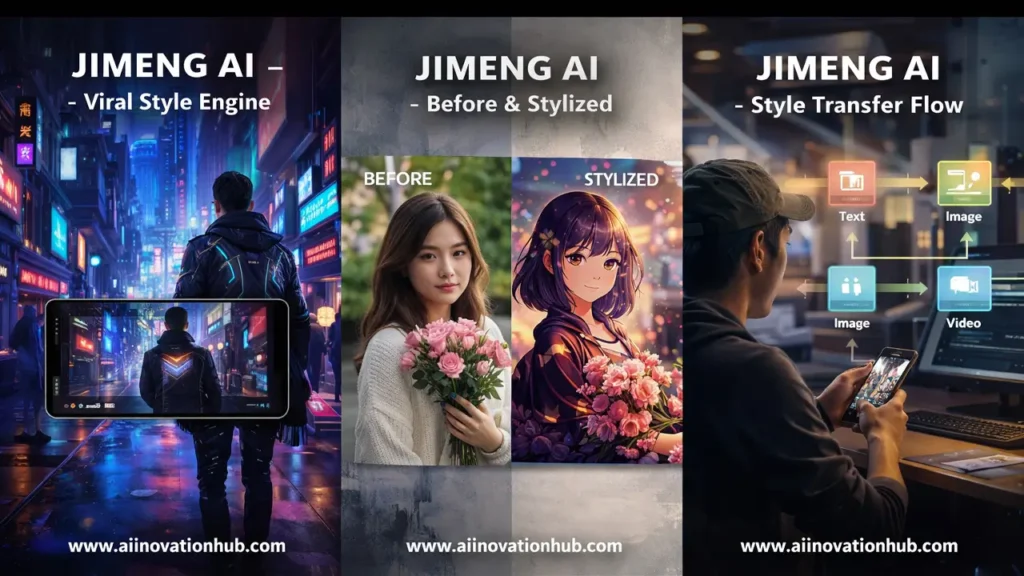
Final Verdict: Who Needs a Viral Short Video Creator
So who actually needs Jimeng AI as their viral short video creator?
Must-try if you are: A social media manager creating daily content for TikTok, Instagram Reels, or YouTube Shorts; an e-commerce seller needing quick product videos; a content creator wanting to test visual concepts before investing in production; a marketer focused on short-form video advertising; someone who values speed and “publish-ready” aesthetics over absolute creative control.
Jimeng AI excels when you need volume, speed, and that specific short-form viral aesthetic. If your success depends on consistently posting stylized, eye-catching videos and you don’t have the time or budget for traditional video production, this platform solves real problems.
Better alternatives exist if you are: Creating long-form documentary content; producing client work requiring extensive customization and control; working on projects where brand guidelines demand specific visual treatments; focused on photorealistic outputs for professional portfolios; needing extensive video editing capabilities beyond generation.
The viral short video creator positioning is accurate. Jimeng AI is built specifically for the scroll-stopping, attention-grabbing content that performs on social platforms. It’s not trying to be a professional video editing suite or a photorealistic rendering engine. It’s optimized for a specific use case, and within that niche, it performs excellently.
The platform works best as part of a content toolkit rather than your only tool. Use it for rapid ideation, social media content, and stylized visuals. Combine it with traditional editing tools when you need more control or different outputs.
Real-world workflow example: A creator might use Jimeng AI to generate five different video concepts in ten minutes, pick the strongest two, refine them slightly in CapCut or similar editors, then schedule posts for the week. This approach leverages the platform’s strengths—speed and stylization—while acknowledging its limitations.
Pricing structures evolve, so check current offerings, but generally the platform provides free tiers for testing and paid options for higher volume or priority processing. The value proposition makes sense if you’re producing content regularly and valuing your time.
One final practical note: save your prompts and successful generation settings. When you hit on something that works well, document it. The Jimeng AI system will produce variations each time, but good prompts are reusable assets that save time on future projects.
The platform continues evolving with new features, styles, and capabilities. ByteDance’s commitment to this space suggests ongoing investment and improvements. What works today will likely work better in six months, which is encouraging for creators building workflows around the tool.
**Bookmark this article and subscribe for updates at www.aiinovationhub.com focus on practical insights that actually help you use these tools effectively, not just hype about what’s theoretically possible.
Jimeng AI represents ByteDance’s understanding that content creation is becoming increasingly democratized, but quality and speed still matter. The platform won’t replace creative professionals, but it empowers creators, marketers, and businesses to produce professional-looking short-form video content without professional budgets or extensive technical skills.
Whether you’re testing it for the first time or integrating it into established workflows, approach Jimeng AI as a specialized tool that does specific things exceptionally well. Know what you’re trying to achieve, understand the platform’s strengths, work within its optimal use cases, and you’ll find it’s a valuable addition to modern content creation strategies focused on viral short video formats.
If Jimeng AI helps you make viral visuals, the next step is having hardware that keeps up. The new Thunderobot Zero Air with Intel Panther Lake and RTX 5070 looks like a serious creator machine for editing, AI tools, and fast content production. Quick specs, real positioning, and what to expect here: https://bestchinagadget.com/thunderobot-zero-air-panther-lake-rtx-5070/