
If you’re an artist today, you’ve probably felt that uneasy tension: your work online, freely available for anyone to see—including AI companies scraping millions of images to train their models. Nightshade and Glaze v2.0 are two tools developed at the University of Chicago that flip the script. Instead of just hoping your art won’t be stolen, you can actively cloak your style (Glaze) or subtly “poison” the data AI models learn from (Nightshade). It’s a fascinating mix of defensive tech and creative empowerment, and it’s worth understanding how it all works—especially if you’re trying to protect your artistic voice in the age of generative AI.
At aiinovationhub.com, we break down emerging AI tools and strategies for creators. This guide walks you through both Nightshade and Glaze v2.0: what they do, how to use them, their strengths, limitations, and the ethical questions they raise. Let’s dive in.

1. Nightshade and Glaze v2.0 — What’s Happening and Why It Matters
Here’s the deal: major AI image generators (think Stable Diffusion, Midjourney, DALL·E) are trained on billions of images scraped from the web—often without artists’ consent. Your portfolio on ArtStation, your Instagram feed, even your Behance projects can end up in these training sets. The result? AI models that can mimic your style, sometimes unnervingly well.
Nightshade and Glaze v2.0 are the University of Chicago’s answer to this. Glaze cloaks your artistic style by adding imperceptible perturbations that confuse AI models. Nightshade goes a step further: it “poisons” the training data by embedding misleading associations (a “dog” might be learned as a “cat” if enough Nightshaded images are in the dataset). Both tools are free, open-source, and designed to give artists leverage.
Why does this matter? Because until regulations catch up, artists need practical defenses. These tools aren’t perfect shields, but they’re a start—and they’re sparking important conversations about consent, data rights, and the future of creative work. For more on AI tools and artist protection strategies, check out aiinovationhub.com.
2. Nightshade and Glaze v2.0 and “AI Data Poisoning for Artists” — Simple Explanation
AI data poisoning for artists sounds dramatic, but the concept is straightforward. When an AI model trains, it learns patterns: “this cluster of pixels usually means ‘tree,’ this brushwork style is ‘Van Gogh-esque.'” Poisoning flips those associations.
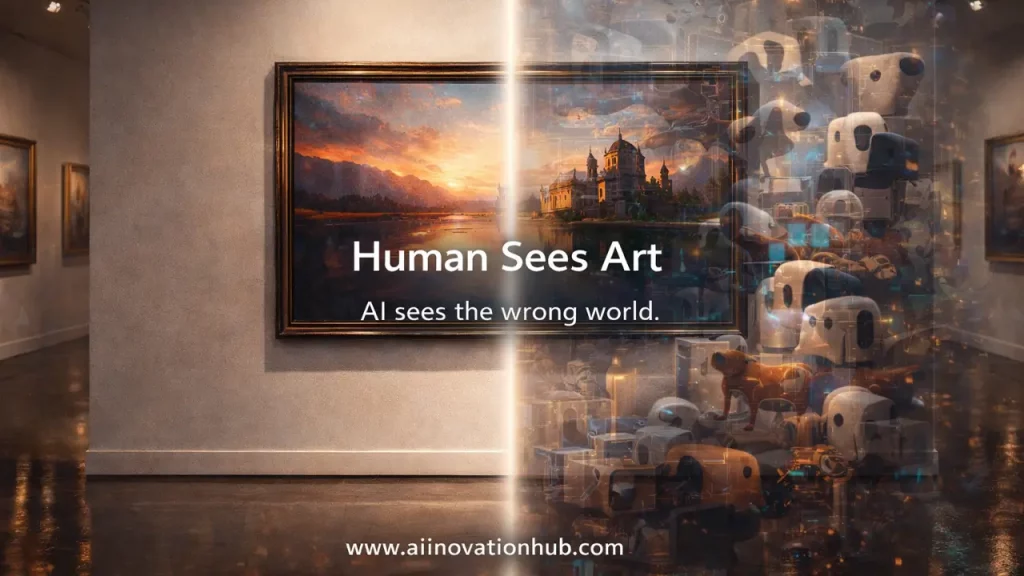
Nightshade embeds tiny, invisible changes in your image that look normal to humans but teach the AI model wrong lessons. For example, if you Nightshade an image of a dog, the AI might learn that object as a “cat” or “chair.” Do this at scale (the researchers estimate a few hundred poisoned images can start degrading a model), and you disrupt the model’s ability to generate accurate outputs.
Glaze works differently—it doesn’t poison; it cloaks. It shifts your style’s “signature” in latent space, so when an AI tries to mimic you, it gets confused and produces something off-target. Both tools exploit the fact that AI models are incredibly sensitive to pixel-level patterns we can’t see. To your eye, the image looks identical; to the model, it’s chaos.
According to research published by the University of Chicago team, even small-scale poisoning can cause “significant degradation in model performance” when targeted concepts are learned. It’s a clever asymmetry: minimal effort for the artist, maximum confusion for the scraper.
3. Nightshade and Glaze v2.0: Step-by-Step “How to Use Nightshade Tool”
Ready to try Nightshade? Here’s a practical how to use Nightshade tool workflow based on the official guide from nightshade.cs.uchicago.edu:
Step 1: Download Nightshade
Visit nightshade.cs.uchicago.edu and download the tool (available for Windows, Mac, Linux). It’s free and open-source.
Step 2: Prepare Your Image
Use high-resolution images (the tool works best on images 512px+ on the shortest side). JPEG, PNG formats are supported.
Step 3: Choose Your “Poison Tag”
Nightshade asks you to define what concept you want to poison. For example, if your image is a fantasy dragon, you might tag it as “dragon” but poison it as “mountain” or “cloud.” The AI will learn the wrong association.
Step 4: Adjust Strength
Nightshade offers intensity settings (low, medium, high). Higher intensity = stronger poisoning, but also slightly more visible artifacts (though still subtle). Start with medium.
Step 5: Process and Export
Hit “Cloak” or “Poison” (depending on version), and Nightshade will process your image. This takes a few seconds to minutes depending on your hardware. Export the result.
Step 6: Upload the Protected Image
Replace your original uploads (portfolio, social media) with the Nightshaded versions. The more artists do this, the more collective impact it has.
Pro tip: Use Nightshade on your most distinctive, signature works first—those are the ones scrapers are most likely to target for style mimicry.
4. Nightshade and Glaze v2.0 and “Glaze Style Cloak” — How Glaze Hides Your Style
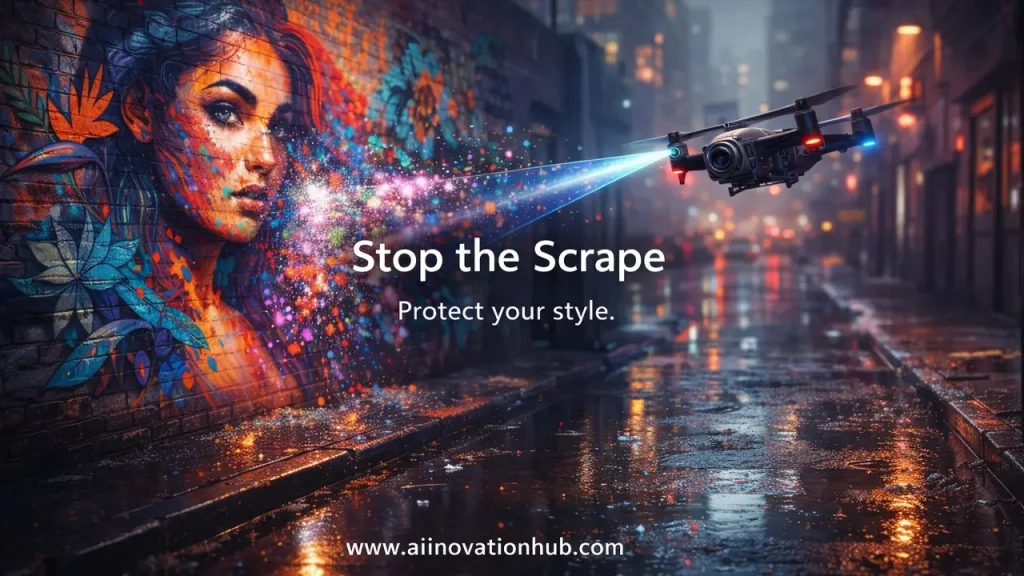
The Glaze style cloak is different from a simple filter or watermark. Watermarks can be cropped or cleaned with AI inpainting; filters just change colors or textures. Glaze operates in the AI’s “latent space”—the hidden mathematical representation where style is encoded.
When you run Glaze (from glaze.cs.uchicago.edu), it analyzes your image and adds perturbations that shift your style’s “fingerprint” in a way AI models can’t ignore but human viewers won’t notice. Think of it as camouflage that only works on AI eyes.
Glaze v2.0 improves on the original by reducing visible artifacts (earlier versions sometimes introduced slight texture changes) and speeding up processing. According to the Glaze team’s research, the cloaking effect holds up even when AI models are fine-tuned on small datasets—meaning even targeted scraping attempts struggle to learn your true style.
The key difference: Glaze protects your style from mimicry; Nightshade actively sabotages the model’s learning. Glaze is defensive; Nightshade is offensive. Many artists use both in sequence for layered protection.
5. Nightshade and Glaze v2.0: “Protect Art from AI Scraping” — Where It Helps and Where It Doesn’t
Let’s be realistic about how well these tools protect art from AI scraping:
Where it helps:
- Public portfolios (ArtStation, Behance, personal sites): If you Glaze/Nightshade before uploading, scrapers get the altered versions.
- Social media (Instagram, Twitter, Pinterest): Same logic—upload protected images, and bulk scrapers ingest the cloaked/poisoned data.
- Stock sites (if allowed): Some stock platforms permit cloaking; check terms of service.
- Collective impact: If thousands of artists adopt these tools, the cumulative poisoning degrades model quality, pressuring AI companies to negotiate or filter better.
Where it’s limited:
- Already-scraped images: If your original, unprotected work is already in a training set, Glaze/Nightshade won’t retroactively fix that. You need to update uploads going forward.
- Determined adversaries: Researchers are already working on counter-measures (detection, purification). It’s an arms race.
- Low-res or heavily compressed images: Extreme compression can strip some perturbations; use high-quality exports.
- Legal protection: These tools don’t replace copyright claims or legal action—they’re technical deterrents, not legal shields.
Bottom line: Glaze and Nightshade raise the cost and difficulty of scraping your art, but they’re not impenetrable force fields. Use them as part of a broader strategy.
6. Nightshade and Glaze v2.0: “AI Model Poisoning Perturbations” — Risks, Limitations, Ethics
The concept of AI model poisoning perturbations is powerful, but it comes with nuance. Let’s look at the trade-offs:
How poisoning works:
Perturbations are pixel-level changes designed to maximize confusion in a model’s training process. Research from the University of Cambridge and other institutions shows that even a small percentage of poisoned data (estimates range from 0.01% to 1% of a large dataset) can cause “significant accuracy drops” in specific concepts.
Limitations:
- Scale matters: One artist poisoning 50 images won’t budge a model trained on billions. Collective action is key.
- Detection and filtering: AI companies are developing “adversarial purification” techniques to detect and remove poisoned data. The Nightshade team acknowledges this is an evolving cat-and-mouse game.
- Imperfect targeting: Poisoning is probabilistic; you can’t guarantee exactly how a model will break, just that it will degrade on certain concepts.
Ethical questions:
- Is poisoning “sabotage” or “self-defense”? Most artists see it as the latter—reclaiming agency over their work. Critics argue it could harm open-source research models that rely on public data. The Nightshade team’s stance: consent should be default, not opt-out.
- Collateral damage: If poisoned images spread widely, could they harm legitimate AI research (e.g., medical imaging models)? The risk is low (domain-specific models use curated data), but it’s a concern.
- Transparency: Should artists disclose they’ve used Nightshade? There’s no consensus yet.
As noted in analysis from Scientific American and tech ethics researchers, these tools shift power back to creators—but they also highlight the urgent need for regulatory frameworks around AI training data.
7. Nightshade and Glaze v2.0: “Nightshade vs Glaze Difference” + Comparison Table
Let’s clarify Nightshade vs Glaze difference with a side-by-side breakdown:
Artist Defense Protocols
A technical comparison of adversarial tools against unauthorized generative AI training.
| Feature | Glaze v2.0 | Nightshade v2.0 |
|---|---|---|
| Primary Goal | Style Cloaking: Protects your signature artistic style from being successfully mimicked or “learned” by AI models. | Concept Poisoning: Actively disrupts AI training by associating your art with incorrect visual concepts. |
| Technical Method | Adds imperceptible perturbations that shift the image’s “style features” in the model’s latent space without ruining human viewing. | Embeds misleading features that trick models into seeing a “dog” as a “cat,” poisoning the accuracy of the overall dataset. |
| Optimal Use Case | Protecting character designs, unique illustration techniques, and brand-defining visual languages. | Disrupting model scrapers and participating in collective resistance against unauthorized dataset building. |
| Visual Trade-offs | High fidelity; minimal artifacts that are usually only visible in large flat areas of color. | Impact increases with intensity. Advanced AI filters may detect and omit “poisoned” images if used in isolation. |
| Compute Time | 30s – 2m per image. Highly dependent on local GPU (RTX series recommended). | 1m – 3m per image. Higher “poison” intensity requires significantly more compute cycles. |
|
Recommended Defense Strategy Layered Protocol: Apply Glaze first to cloak your style, then Nightshade second to poison the data. This provides a multi-dimensional shield for your intellectual property. |
||
Key takeaway: Glaze is your personal shield; Nightshade is a collective weapon. Use Glaze if you just want to protect your portfolio. Use Nightshade if you want to contribute to disrupting AI training at scale.
8. Nightshade and Glaze v2.0: “Stop AI Training on Your Art” — What to Expect in Reality
Let’s be honest: these tools won’t stop AI training on your art overnight. Here’s what they can do:
Realistic expectations:
- Slow down style mimicry: Glaze makes it harder for models to accurately capture your style, especially in targeted fine-tuning scenarios.
- Degrade model quality (at scale): Nightshade, when adopted by many artists, can introduce enough noise that AI companies face quality control issues, potentially forcing them to filter or seek consent.
- Signal resistance: Even if not 100% effective, widespread use sends a message: artists won’t tolerate unconsented scraping.
What they won’t do:
- Erase existing training data: If your work is already in GPT-4’s image model or Stable Diffusion v2, Glaze/Nightshade won’t undo that.
- Guarantee invisibility: Sophisticated detection tools are emerging. Assume this is an ongoing arms race.
- Replace legal/policy solutions: These tools are stopgaps until governments and platforms enforce better data rights.
As the University of Chicago researchers told Scientific American, Nightshade and Glaze are “leverage tools”—they give artists bargaining power, not invincibility. Think of them as raising the cost of scraping high enough that companies might choose to negotiate instead.
9. Nightshade and Glaze v2.0: “Prevent AI Style Mimicry” — Practical Artist Habits
Beyond the tools, here are combo habits to prevent AI style mimicry:
1. Upload cloaked versions only: Never post raw, unprotected high-res images publicly. Always run Glaze/Nightshade first.
2. Control resolution: Post web-optimized sizes (1200-2000px max). Ultra-high-res files give models more detail to learn from.
3. Watermarks (carefully): Visible watermarks can be cropped or AI-inpainted, but subtle signatures embedded in texture can act as tracers if your style gets stolen.
4. Licensing clarity: Use Creative Commons licenses (CC BY-NC-ND) or explicit “no AI training” clauses in your portfolio’s terms. While not legally bulletproof everywhere, it establishes intent.
5. Platform strategy: Some platforms (Cara, for example) ban AI scraping in their TOS and actively filter bots. Diversify where you upload.
6. Community action: Join artist coalitions (like Concept Art Association, or grassroots movements) that push for policy change and collective Nightshade campaigns.
7. Monitor usage: Tools like Have I Been Trained? (haveibeentrained.com) let you check if your work appears in known datasets. If it does, file opt-out requests where possible.
Glaze and Nightshade are powerful, but they work best as part of a layered, proactive defense.
10. Nightshade and Glaze v2.0: “Image Cloaking Tool for Artists” — Final Verdict and Next Steps
So, are Nightshade and Glaze v2.0 the ultimate image cloaking tool for artists? They’re the best we have right now—free, research-backed, and genuinely disruptive when used at scale. But they’re not magic bullets.
The verdict:
- Glaze v2.0 is a must-use if you want to protect your style with minimal hassle. It’s fast, effective, and low-risk.
- Nightshade v2.0 is for artists ready to fight back collectively. It requires scale, but it’s the strongest tool for forcing AI companies to reconsider their scraping practices.
- Both together offer layered defense: cloak your style and poison the data pool.
Limitations to remember:
- They’re reactive, not preventative (can’t undo past scraping).
- They’re part of an arms race (expect counter-measures).
- They work best with collective adoption.
Where to go from here:
- Download the tools: glaze.cs.uchicago.edu and nightshade.cs.uchicago.edu
- Start protecting your most important work today.
- Stay informed on updates—both tools are actively developed.
- Advocate for stronger data rights and consent frameworks.
If you’re looking for more clear, friendly guides on AI tools, artist protection strategies, and emerging tech that actually matters to creators, head over to aiinovationhub.com. We break down the complex stuff so you can focus on what you do best: creating.
Final thought: Nightshade and Glaze aren’t just tools—they’re a statement. They say artists deserve control over how their work is used, and they’re willing to fight for it with code, community, and clever math. Whether you use them or not, understanding how they work helps you navigate the weird, wild intersection of art and AI we’re all living in right now.
Stay creative. Stay protected. And remember: the best defense is a mix of smart tools, clear boundaries, and collective action.
If you liked how Nightshade and Glaze protect artists from AI training, you’ll love the “business side” of AI too. Julius AI turns messy Excel files into clear answers—just ask questions in plain English and get charts, insights, and quick explanations. Explore it here: https://aiinnovationhub.shop/julius-ai-excel-analysis/
so much great info on here, : D.