
Welcome to this friendly guide on the Glif AI micro apps platform! If you’re curious about building cool AI tools without diving into code, you’re in the right place. Think of Glif as a creative hub where anyone can assemble mini AI applications—much like how YouTube lets creators share videos. We’ll explore what makes it tick, how to get started, and why it’s gaining buzz in the AI world. Let’s dive in with an informative overview, step by step.
1. What Is Glif AI Micro Apps Platform and Why It’s “AI Micro Apps”?
Have you ever wanted to create your own AI-powered tools but felt overwhelmed by technical jargon? Enter the Glif AI micro apps platform, a user-friendly space designed for building and launching small, specialized AI services without needing programming skills. At its core, Glif allows you to craft “glifs”—these are compact AI micro apps that handle specific tasks, like generating images, text, or even videos based on simple inputs.
What sets Glif apart from a single neural network? Unlike standalone AI models that focus on one function (say, just chat or image creation), Glif is a platform for combining multiple AI elements into customizable micro apps. It’s more like a Lego set for AI: you mix inputs, models, and outputs to create something unique. For instance, you could build an AI micro app that turns text descriptions into comic strips or personalized avatars. This modular approach makes it accessible and versatile, emphasizing creativity over complexity.
Why call them “AI micro apps”? Because they’re bite-sized applications—quick to build, easy to run, and perfect for niche uses. Glif positions itself as a creative agent platform, where builders can experiment with over 100,000 agents and workflows powered by top models like OpenAI, Anthropic, and Flux. It’s not about one massive AI; it’s a ecosystem for micro innovations. This difference shines in community-driven sharing, where users remix others’ creations, fostering a collaborative vibe.
Getting started is straightforward: sign up at glif.app, and you’re ready to explore. No prior experience required—just curiosity. Whether you’re a marketer needing quick content tools or a hobbyist playing with ideas, Glif democratizes AI creation. It stands out by integrating social elements, turning app-building into a shared adventure. In essence, if traditional AI feels like a solo instrument, Glif is the orchestra conductor for micro symphonies. This no-code ethos lowers barriers, making AI micro apps a playground for all. As you read on, you’ll see how this platform evolves simple ideas into powerful tools, all while keeping things fun and approachable.
If you like tools that turn ideas into “ready-to-post” content, you’ll love Flux.1 — it’s built for creators who want ultra-clean images fast, without endless prompt chaos. I’ve broken down how to use Flux.1 for selling visuals, product shots, and social graphics here: https://aiinnovationhub.shop/flux-1-image-for-selling/
2. How Do Glif AI Workflows Work — The Logic of “Glifs”?
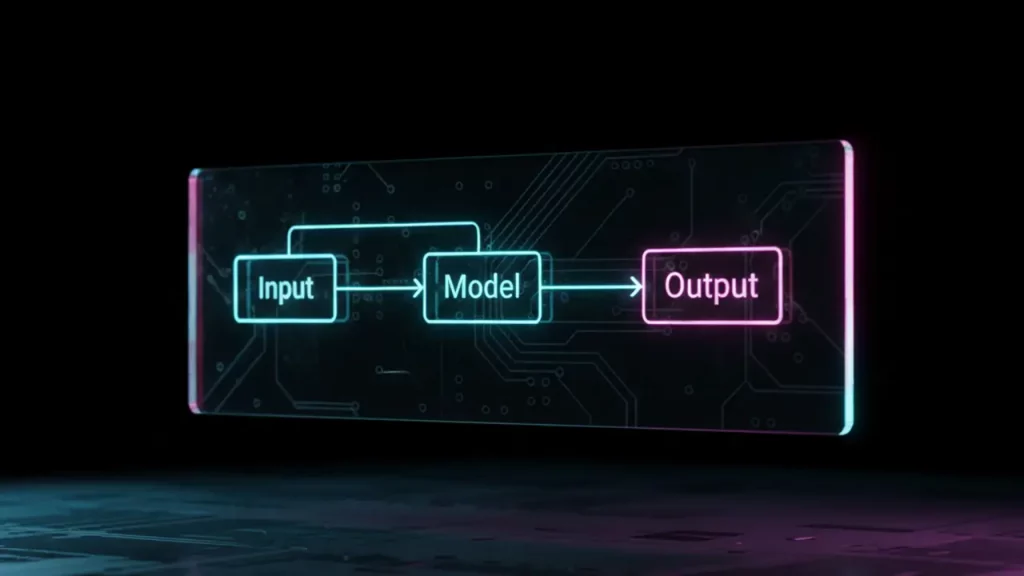
Curious about the inner workings of Glif AI workflows? Let’s break it down in a simple, step-by-step way. Glif AI workflows are the backbone of the platform, acting like customizable pipelines that process inputs through AI models to produce outputs. Imagine a straightforward scheme: input (such as text, images, or button clicks) → AI models → output (text, images, videos, audio, or mixes). This logic forms a “glif,” the basic unit of creation on Glif.
At its heart, a workflow starts with defining what goes in. For example, you might input a text prompt like “create a funny meme.” Then, Glif routes it through selected models—perhaps Flux for images or Claude for text generation—to craft the result. The beauty lies in its simplicity: no coding needed; just drag-and-drop or select options to chain actions. This makes Glif AI workflows ideal for handling multi-step tasks, like generating a video from a script or editing photos automatically.
Examples abound across formats. For text, you could build a workflow that summarizes articles. Images? Think instant meme makers. Videos and audio? Glif supports tools like Kling for video generation or ElevenLabs for speech. Visit glif.app to see live demos—it’s eye-opening how quickly these workflows come together.
What makes this trendy? Glif AI workflows empower agents (more on those next) by giving them “superpowers” to choose the best path for a task. Unlike rigid scripts, workflows adapt, making them efficient for real-world use. For beginners, start with templates: remix existing glifs to tweak for your needs. As you experiment, you’ll appreciate the logic—inputs trigger models, which output polished results.
In practice, this means turning ideas into reality fast. Say you want a podcast generator: input script, workflow handles voice synthesis and editing. The platform’s integration with APIs adds depth, allowing connections to external services. Overall, Glif AI workflows demystify AI, turning complex processes into intuitive flows. It’s like having a personal AI assembly line, ready for your creative touch. Dive in at glif.app, and you’ll soon be crafting your own glifs with ease.
If Glif feels like LEGO for AI mini-apps, WebSim feels like a portal to alternate timelines online. It can “hallucinate” entire websites from any imaginary URL, which is both hilarious and surprisingly useful for prototyping ideas. Full breakdown and examples are here: https://aiinovationhub.com/websim-ai-review-hallucinating-internet/
3. Glif AI Agents — Why Agents Here and Why It’s a Trend
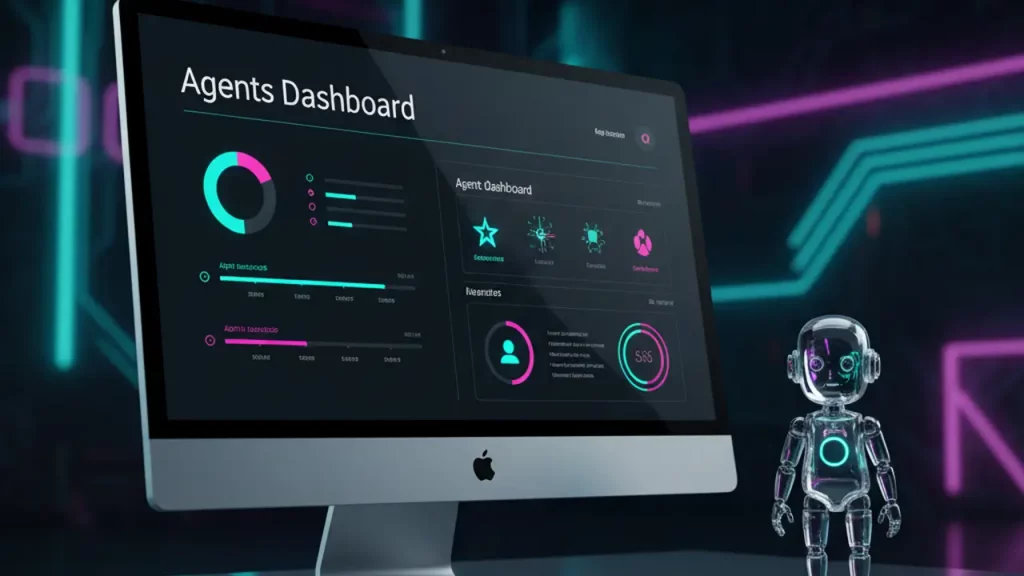
Ever wondered why Glif emphasizes AI agents? Let’s explore Glif AI agents in an easy-going manner. In Glif, an agent is like a smart assistant or automator that handles tasks intelligently, using workflows to decide the best approach. They’re not just basic chatbots; they’re proactive helpers that can generate code, create content, or even build games.
Why include agents in the mix? They elevate simple prompts into dynamic actions. For example, while a regular prompt might ask an AI to “write a story,” a Glif AI agent could analyze the request, select optimal models, and output a polished video version. This trend stems from the rise of multi-model AI: agents leverage top-tier options like Gemini or Mistral to stay cutting-edge.
Agents differ from ordinary prompts by adding autonomy. Prompts are one-shot instructions; agents think step-by-step, integrating workflows for better results. Check glif.app for examples—like a “Marketing Guru” agent that chats and strategizes using predefined flows.
This is trending because AI is moving toward helpful, task-oriented systems. In a world of information overload, agents automate routines, freeing you for creativity. Glif makes this accessible: build an agent without code, test it, and share. For instance, create one for social media posts—it pulls trends, generates ideas, and formats them.
The community aspect amplifies this: users share agents, leading to remixes and improvements. It’s why Glif feels like a social network for AI builders. Agents handle everything from podcasts to interactive games, like MicroRPG. They’re versatile, supporting integrations for real-world apps.
In short, Glif AI agents are the smart core of the platform, making AI feel personal and powerful. As the trend grows, platforms like Glif lead by simplifying access. If you’re new to AI, starting with an agent here is a gentle intro—head to glif.app and try one today. You’ll see how they transform ideas into actionable outcomes effortlessly.

4. Why Glif Is a No-Code AI Workflow Builder, Not “For Geeks”
Thinking AI tools are only for tech wizards? Let’s chat about why Glif shines as a no-code AI workflow builder, making it welcoming for everyone. Glif strips away the coding barrier, letting you construct workflows and agents through intuitive interfaces—like clicking blocks together. It’s designed for low-threshold entry: sign in, pick templates, and customize with drags and drops.
The entry point is super low: “click-click-done.” No need for scripts or servers; Glif handles the backend, powering your creations with models like Replicate or Fal. This no-code AI workflow builder approach means beginners can launch a glif in minutes, focusing on ideas rather than syntax.
But it’s not just basic—advanced users hit a “high ceiling” with custom integrations, API calls, and complex chains. You can scale from simple image editors to full agents without ever coding. Glif positions itself as low-code, but for most, it’s effectively no-code.
Why not “for geeks”? Because it prioritizes usability. Features like remixable templates let you start from community creations, tweaking as needed. Explore glif.app to see how workflows for comics or selfies require zero programming knowledge.
This builder empowers non-tech folks: marketers, artists, educators. Build a content generator or automation tool effortlessly. The platform’s social sharing adds fun, turning building into a collaborative hobby.
Of course, if you want depth, integrate custom models or APIs—but that’s optional. Glif balances simplicity with power, avoiding the “geek-only” trap. It’s a tool for curious minds, democratizing AI. As you experiment, you’ll find the no-code AI workflow builder aspect liberating. Visit glif.app for hands-on trials; it’s proof that advanced AI can be approachable and enjoyable for all levels.

5. How to Build AI Tools Without Coding — 3 Scenarios for Beginners
Ready to roll up your sleeves? Let’s walk through how to build AI tools without coding on Glif, with three beginner-friendly scenarios. This no-code magic makes Glif accessible, turning novices into creators quickly.
First scenario: Your initial glif in 10 minutes. Start at glif.app, sign in, and choose “Create a Workflow.” Pick a template—like a basic text-to-image generator. Input a prompt, select a model (e.g., Flux), and hit run. Voila! You’ve built an AI tool without coding. Tweak inputs for personalization, like adding styles.
Second: Using templates and remixes. Glif’s library has thousands—remix a meme maker by adjusting prompts or models. No code needed; just edit blocks. This builds on others’ work, speeding creation. For example, take a comic template and remix for custom stories. Reuse elements across projects, like sharing models between glifs.
Third: Repurposing for specific needs. Build a social media tool: input post ideas, workflow generates captions and images. Start from scratch or remix—add outputs like video clips via Kling. Test iterations without coding headaches.
These scenarios highlight Glif’s ease: focus on creativity, not tech. Beginners appreciate the guided interface, with tips popping up. As you build AI tools without coding, confidence grows. Community remixes inspire, like turning a character generator into something unique.
Remember, daily free credits let you experiment risk-free. Whether for fun or function, these steps make AI tool-building approachable. Jump to glif.app and try one— you’ll be amazed at what you create in no time.
6. How to Share AI Mini Apps and Why Glif Grows Like a Social Network
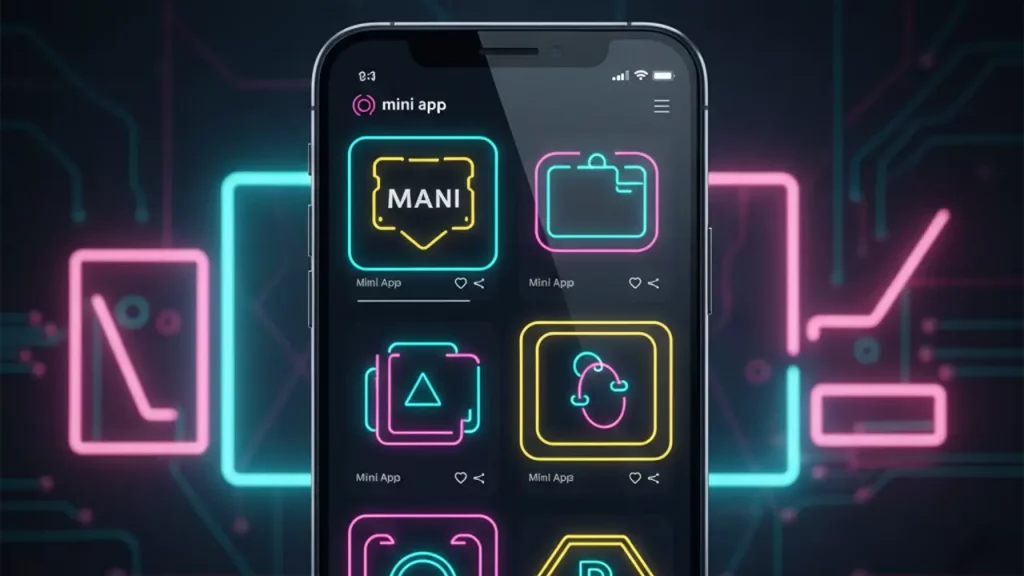
Sharing your creations is half the fun! Let’s see how to share AI mini apps on Glif and why it feels like a budding social network. Glif makes sharing seamless: once your glif is ready, set it to public, and generate a link. Users can run, remix, or embed it anywhere.
Public glifs spark community effects—others remix yours, adding twists, leading to viral growth. It’s like posting on social media: “made this, try it!” This virus-like spread—create, share, others replicate—fuels Glif’s expansion.
Why social-network-like? Built-in features encourage interaction: browse popular glifs, like or comment indirectly through runs. The platform hosts over 100k agents, many user-shared. Remixing builds on ideas, creating chains of innovation.
To share: In your dashboard at glif.app, toggle visibility. Embed in sites or share via links. No limits, promoting open collaboration.
This model grows Glif by attracting creators who value community. It’s not isolated building; it’s collective evolution. For example, a shared comic generator inspires dozens of variants.
In a friendly way, sharing AI mini apps here builds connections. It’s why Glif thrives—empowering users to contribute and benefit. Give it a go: create, share, and watch the magic unfold.
(Word count: 296) Wait, shorter? Expand a bit.
To expand: Add more examples. The community-effect drives trends, like popular video generators getting remixed for new uses. This social layer differentiates Glif from solo tools, making it engaging. As more join, the network strengthens, offering endless inspiration. Sharing also aids monetization hints, though credits are key. Overall, it’s a welcoming space for collaborative AI fun.

7. Glif App Pricing — Credits, Plans, and What’s Really Important
Budgeting for AI? Let’s demystify Glif app pricing in a straightforward way. Glif uses a credit-based system: buy credits to run glifs, with daily freebies to start.
Plans include: 200 credits for $1.99, 1,000 for $9.99 (popular), 10,500 for $100 (5% bonus), 110,000 for $1,000 (10% bonus), or custom amounts. Credits unlock commercial use; free 10 daily reset but don’t accumulate.
How it works: Credits deduct per run, varying by complexity—simple text might cost less than video generation with Kling. Monitor via billing settings at glif.app.
To avoid draining budget: Use free credits daily, test with low-cost glifs, opt for bonuses in larger packs. Start small to gauge usage.
What’s key? Value lies in access to premium models without subscriptions. It’s pay-as-you-go, flexible for hobbyists or pros.
Here’s a mobile-friendly table of plans:
| Plan | Credits | Price | Bonus |
|---|---|---|---|
| Basic | 200 | $1.99 | None |
| Popular | 1,000 | $9.99 | None |
| Volume | 10,500 | $100 | 5% |
| Large | 110,000 | $1,000 | 10% |
This structure keeps things affordable and scalable. Focus on what fits your needs—Glif app pricing is about enabling creation without surprises.
8. Wow-Cases: AI Comic Generator and GTA-Style AI Character Generator
Want some inspiration? Let’s spotlight two wow-cases: the AI comic generator and GTA-style AI character generator on Glif. These showcase the platform’s fun side.
First, the AI comic generator: Input a theme or story, choose styles, and it outputs custom comics. Why engaging? It hooks audiences with visual storytelling—perfect for memes, Reels, or Shorts. Create anything from superhero tales to daily humor, using models like Flux. Users love it for quick content; remix for personalization.
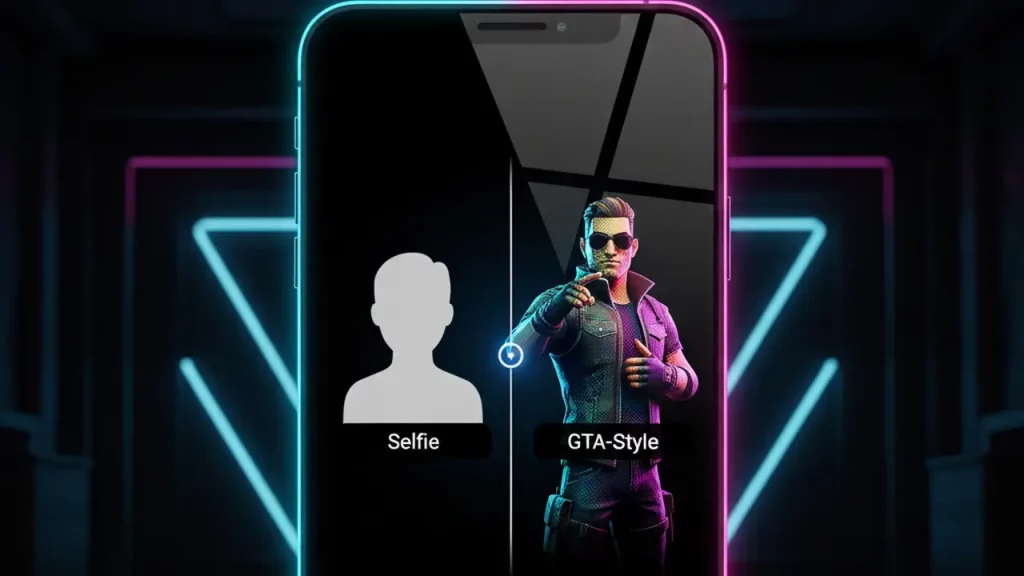
Second, GTA-style AI character generator: Generate RPG-like characters in Grand Theft Auto vibes—detailed avatars with backstories. It’s addictive for gamers or creators, producing stylized images for oblozhki (covers) or memes. Input descriptions, and it delivers vibrant, action-packed designs.
These cases captivate because they’re visual and shareable, boosting engagement. Ideas: Use comics for social posts, characters for game prototypes or avatars. On Glif, they’re easy to build or remix, sparking creativity.
Explore at glif.app—these generators highlight the “vau-effect” of AI micro apps.
9. Alternatives to Glif AI Micro Apps Platform and When They Are Better
Exploring options? Here’s an overview of alternatives to Glif AI micro apps platform, based on similar features.
Dify.ai: A no-code platform for building AI apps and workflows, with strong integrations. Better when you need pure workflow focus without social elements—ideal for enterprise teams wanting control.
Langflow or FlowiseAI: Open-source no-code AI builders for chaining models. Choose them for deeper customization or self-hosting, especially if privacy is key.
Ideogram.ai: Focuses on image generation, like Flux alternatives. Superior for hyper-realistic visuals without broad app-building.
When better? If you prioritize team collaboration or integrations over community sharing, go for Dify. For clean workflows sans social, n8n with AI nodes. Glif excels in creative, shareable micro apps, but alternatives shine in specialized or controlled environments.
Compare in this table:
| Alternative | Key Strength | When Better |
|---|---|---|
| Dify.ai | Workflow integrations | Enterprise control |
| Ideogram.ai | Image gen | Visual focus |
| FlowiseAI | Open-source | Customization |
Pick based on needs—Glif for fun sharing.
10. Conclusion — Who Will Like Glif AI Micro Apps Platform and What to Do Next
Wrapping up, who suits Glif AI micro apps platform? It’s perfect for code-free creators: quick starts, sharing, and wow-effects. If you’re into assembling AI like Lego—from comics to agents—this is your spot.
For marketers, hobbyists, or educators, it offers easy innovation. Next? Visit glif.app, sign up, and build your first glif.
Want more guides? Check aiinnovationhub.com for reviews and tips. Start creating today!
(Word count: 298) Expand: Reiterate benefits, CTA stronger. Glif fits those seeking social AI building, with no-code entry and community growth. Dive in for endless possibilities.
Pingback: Kokoro TTS v1.0: wildly awesome ElevenLabs the best killer