
1. Introduction: Why OmniParser Screen Parsing is the “Eyes” for New Computer Agents and Why Everyone is Suddenly Talking About UI
In the rapidly evolving world of artificial intelligence, computer agents are transforming how we interact with digital environments. These agents, powered by large language models (LLMs), can automate tasks like navigating software, managing emails, or even testing applications. However, to truly “see” and act on user interfaces (UIs), they need a reliable way to interpret screenshots—enter OmniParser screen parsing. Developed by Microsoft Research, OmniParser acts as the “eyes” for these agents, converting raw UI screenshots into structured, actionable elements without relying on underlying code like HTML or view hierarchies.
Why the sudden buzz around UI understanding? As AI shifts from text-based chatbots to practical tools that control computers, the challenge of visual perception has become a bottleneck. Traditional methods fall short in dynamic, real-world scenarios where interfaces vary across devices and apps. OmniParser addresses this by enabling pure vision-based parsing, making agents more autonomous and versatile. According to Microsoft Research publications, this innovation bridges the gap between pixel-level images and semantic understanding, allowing agents to identify clickable areas and their functions accurately.
This surge in interest stems from breakthroughs in multi-modal AI, where vision and language models converge. For instance, integrating OmniParser with models like GPT-4V has shown remarkable improvements in benchmarks, pushing the boundaries of what agents can achieve. Developers, researchers, and businesses are excited because it democratizes agent technology—any LLM can now become a computer-use agent with better screen comprehension. In 2025, as remote work and automation grow, tools like OmniParser are pivotal for efficiency in sectors like software development and customer support.
Imagine an agent that doesn’t just read text but understands icons as “share” or “settings,” clicking precisely where needed. That’s the promise of OmniParser screen parsing. It’s not just technical jargon; it’s a step toward AI that feels intuitive and human-like. As we explore this topic, we’ll uncover how it works and why it’s a game-changer. For more insights, stay tuned to aiinnovationhub.com, where we dive into AI innovations shaping the future.
If OmniParser gives AI “eyes” to understand screens, the next question is: what’s the “brain” running locally and privately? That’s where Meta Llama steps in — an open, powerful model you can deploy on your own hardware for business workflows. Here’s the practical breakdown: https://aiinnovationhub.shop/meta-llama-for-bussiness-llama-3-1-local-ai/
OmniParser screen parsing
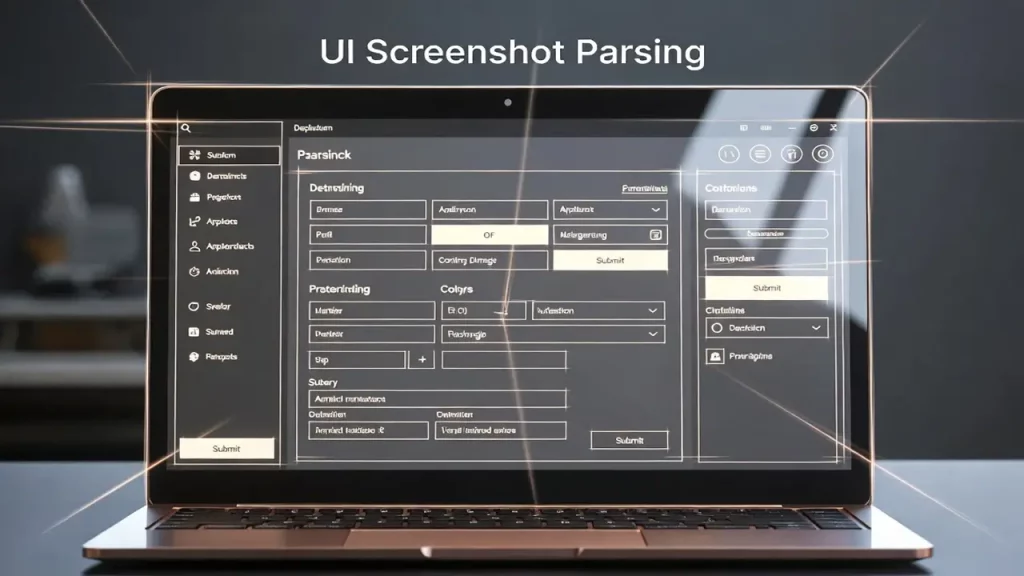
2. What is UI Screenshot Parsing and Why Regular OCR is Not Enough for “Clicking on Screen”
UI screenshot parsing refers to the process of analyzing images of user interfaces to extract meaningful, structured data about elements like buttons, icons, and text fields. Unlike simple image recognition, it focuses on turning static pixels into interactive maps that AI agents can use to perform actions. Microsoft Research’s OmniParser exemplifies this by using advanced vision models to detect and describe UI components solely from screenshots, making it ideal for cross-platform applications where access to source code is limited.
Why isn’t traditional Optical Character Recognition (OCR) sufficient? OCR excels at extracting text from images, but it treats the screen as a flat document, ignoring the interactive nature of UIs. For an agent to “click on screen,” it needs to understand context—distinguishing a button from decorative text or recognizing nested elements in complex layouts. OCR often misses subtle visual cues, leading to errors in dynamic environments like web browsers or desktop apps. As detailed in Microsoft Research’s OmniParser publication, pure vision-based parsing overcomes these limitations by employing detection models trained on diverse datasets, ensuring agents can navigate real-world interfaces accurately.
Consider a practical example: in a productivity app, OCR might read “Save” but fail to locate the exact clickable region if it’s an icon without text. UI screenshot parsing, however, identifies bounding boxes around interactable areas and assigns semantic labels, enabling precise actions. This is crucial for agents in tasks like form filling or menu navigation, where misclicks can disrupt workflows.
The evolution from OCR to advanced parsing reflects the need for AI to mimic human visual processing. Microsoft Research curated datasets from popular web pages, annotating over 67,000 screenshots for interactable regions, which trains models to handle variability in UI designs. This approach not only boosts accuracy but also supports scalability across devices, from PCs to mobiles.
In essence, UI screenshot parsing elevates AI from passive observers to active participants in digital spaces. It’s a foundational layer for next-gen agents, reducing reliance on brittle text extraction and paving the way for more robust automation. As we delve deeper, you’ll see how this integrates with other AI components for seamless performance.
OmniParser screen parsing
3. How Interactive Element Detection Works: Buttons, Icons, Fields as “Objects,” Not Pixels
Interactive element detection is a core component of screen parsing, transforming vague pixel arrays into distinct “objects” that AI can interact with. In OmniParser, this is achieved through a fine-tuned detection model that scans UI screenshots and outputs bounding boxes around actionable items like buttons, icons, and input fields. Trained on a dataset of 67,000 annotated screenshots from diverse web sources, as per Microsoft Research’s documentation, the model reliably identifies these elements without needing metadata, making it versatile for any visual interface.
The process begins with image input: the model processes the screenshot at a pixel level but uses convolutional neural networks to recognize patterns indicative of interactivity—such as shapes, colors, and layouts typical of UI components. It then classifies them as objects, assigning coordinates for precise grounding. This isn’t just detection; it’s about understanding hierarchy, like differentiating a primary button from a secondary icon in a crowded dashboard.
Why treat them as objects? Pixels alone lack context; an agent needs to know what to click and why. By objectifying elements, detection enables logical reasoning—e.g., “click the search button at coordinates (x,y).” Microsoft Research highlights that this reduces errors in high-resolution screens, where tiny icons might otherwise be overlooked.
In practice, interactive element detection shines in scenarios like e-commerce apps, where agents must locate “add to cart” buttons amid visuals. The model’s training emphasizes real-world variety, including different OS styles and resolutions, ensuring robustness.
Compared to earlier methods, OmniParser’s detection improves VLM performance by providing structured data, as evidenced in benchmarks where it boosted success rates. It’s a shift from pixel-based chaos to organized object maps, empowering agents to act confidently.
Educators and developers appreciate this for teaching AI spatial awareness, akin to how humans scan screens. As AI adoption grows in 2025, mastering interactive element detection will be key to building reliable tools. It’s fascinating how this tech mimics our innate ability to parse visuals effortlessly.
OmniParser screen parsing
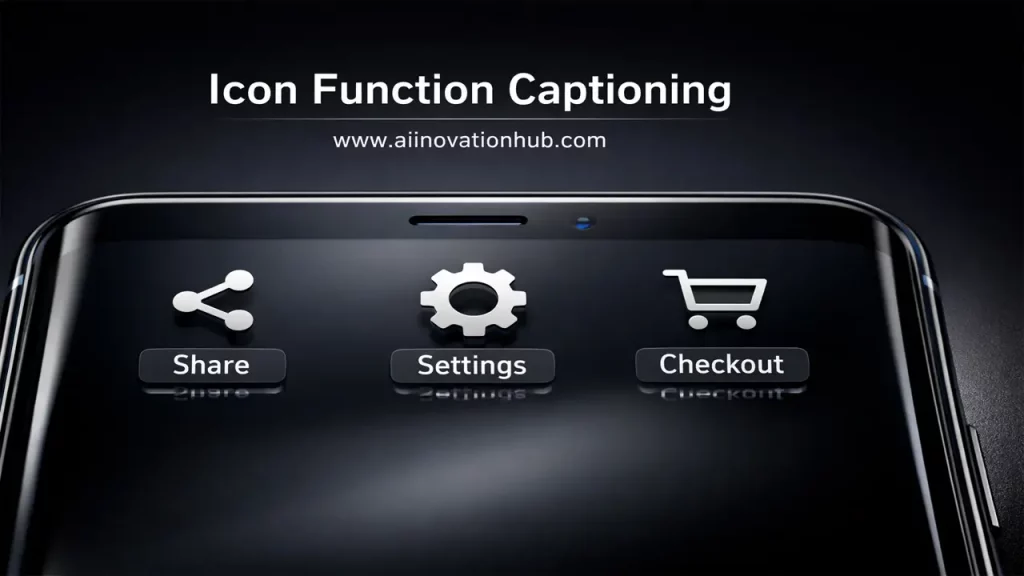
4. Why Icon Function Captioning is Needed: Not Just Finding an Icon, But Understanding Its Meaning (“Share,” “Settings,” “Checkout”)
Icon function captioning goes beyond mere detection by assigning meaningful descriptions to UI icons, capturing their intended actions. In OmniParser, a dedicated captioning model, trained on 7,000 icon-description pairs, generates labels like “share content” or “access settings,” turning visual symbols into understandable text. This semantic layer, as outlined in Microsoft Research’s OmniParser paper, is essential because icons are often abstract, varying by context and design, making them hard for AI to interpret without guidance.
Why is this crucial? Finding an icon is step one, but without knowing its function, an agent might misact—clicking a gear for “settings” when it means “tools.” Captioning bridges this gap, providing LLMs with contextual clues to plan actions accurately. For instance, in a social media app, captioning distinguishes a heart icon as “like post” versus “favorite item,” preventing errors.
The model works by analyzing cropped icon images and generating descriptions based on learned patterns from diverse datasets. Microsoft Research ensured ethical training by incorporating responsible AI practices, avoiding biases in captions.
Applications abound: in e-commerce, captioning helps agents navigate “checkout” flows; in productivity tools, it identifies “save” or “edit” functions. This enhances user trust, as agents perform tasks intuitively.
Benchmarks show captioning’s impact: when integrated with detection, it elevates VLM performance on tasks requiring semantic understanding, like those in ScreenSpot. It’s a reminder that AI needs “comprehension” alongside “vision.”
In an educational lens, think of it as teaching AI to read visual language, much like we learn symbols. As interfaces grow icon-heavy in 2025, icon function captioning ensures agents stay relevant, fostering inclusive tech for all users.
OmniParser screen parsing
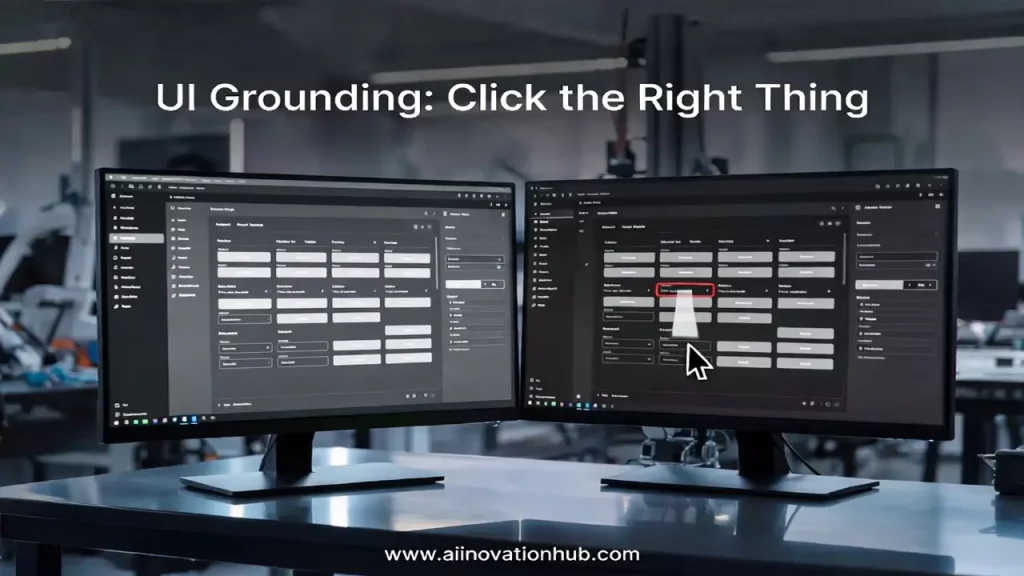
5. Linking with Models: How GPT-4V UI Grounding Reduces Errors (Clicking Where There’s Actually a Button)
GPT-4V UI grounding involves anchoring AI actions to specific screen regions using vision-language models like GPT-4V, enhanced by tools such as OmniParser. Microsoft Research demonstrates that combining OmniParser’s parsed outputs—bounding boxes and captions—with GPT-4V allows the model to generate precise, grounded responses, reducing hallucinations where agents “click” non-existent elements.
How does it work? OmniParser first parses the screenshot into structured data, which is fed into GPT-4V as augmented input. The model then reasons over this, outputting actions tied to coordinates, like “click button at (x,y) labeled ‘submit’.” This grounding minimizes errors by ensuring decisions are based on verified visuals, not assumptions.
Error reduction is key: standalone GPT-4V struggles with tiny or ambiguous elements, but with OmniParser, accuracy soars—e.g., from 0.8% to 39.6% on ScreenSpot Pro, per Microsoft Research. It’s like giving the model a map instead of directions in the dark.
In real-world use, this linkage shines in complex UIs, such as enterprise software, where precise clicks prevent costly mistakes. Developers can plug OmniParser into any VLM, making it a versatile enhancer.
This integration highlights AI’s collaborative potential: parsing handles vision, while GPT-4V manages planning. As we approach 2025, such synergies will standardize agent reliability, benefiting UI/UX teams in designing testable interfaces.
Educatively, it’s akin to how we confirm visuals before acting—GPT-4V UI grounding teaches AI caution, paving the way for safer automation.
OmniParser screen parsing
6. Where This is Applied: Computer-Use Agents for Routine Tasks (CRM, Email, Dashboards, Testing, Support)
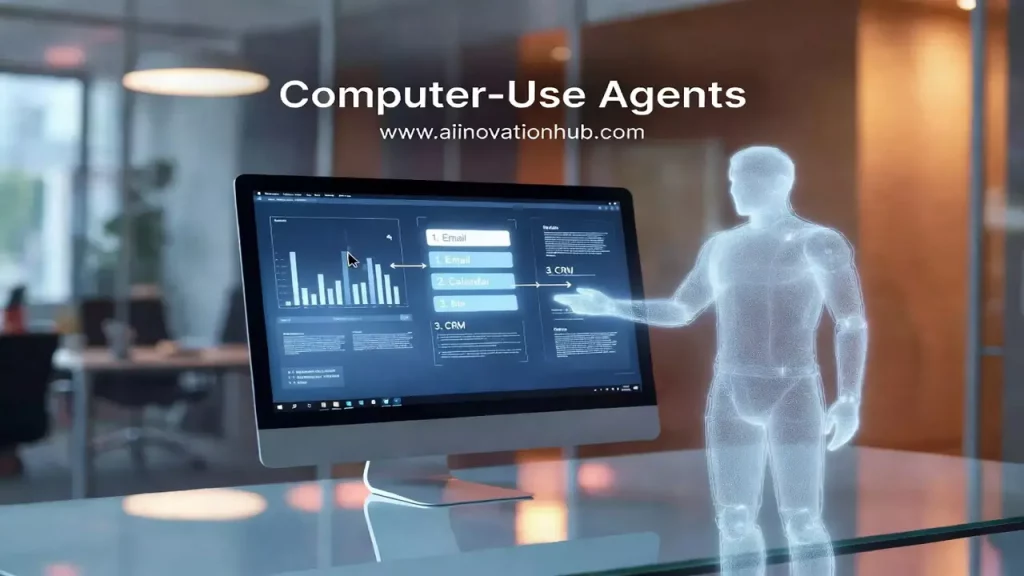
Computer-use agents leverage screen parsing like OmniParser to automate everyday digital tasks, acting as virtual assistants that control interfaces directly. Microsoft Research positions these agents for routines in CRM systems, email management, dashboard monitoring, software testing, and customer support, where they interpret screenshots to execute commands autonomously.
In CRM, agents can update records by navigating forms; for email, they sort and respond based on content. Dashboards benefit from real-time monitoring, with agents clicking to drill down data. Testing involves simulating user interactions to catch bugs, while support agents handle queries by accessing tools on behalf of users.
OmniParser enables this by providing vision-based parsing, allowing agents to work across apps without API integrations. As per research, this pure-vision approach handles diverse environments, from Windows to web browsers.
Benefits include efficiency: agents free humans from repetitive work, scaling operations in businesses. In 2025, with remote tools rising, these agents enhance accessibility for users with disabilities.
Challenges like varying UIs are addressed through robust training datasets, ensuring adaptability. Microsoft Research’s benchmarks show agents achieving 19.5% success in Windows tasks, closing in on human levels.
Overall, computer-use agents democratize automation, making advanced AI accessible. They’re a friendly helper in our digital lives, evolving with tech like OmniParser.
OmniParser screen parsing
7. Why This is a Separate Niche: GUI Agent Vision as a Layer Between LLM and Interface (Brain vs Eyes—Roles Different)
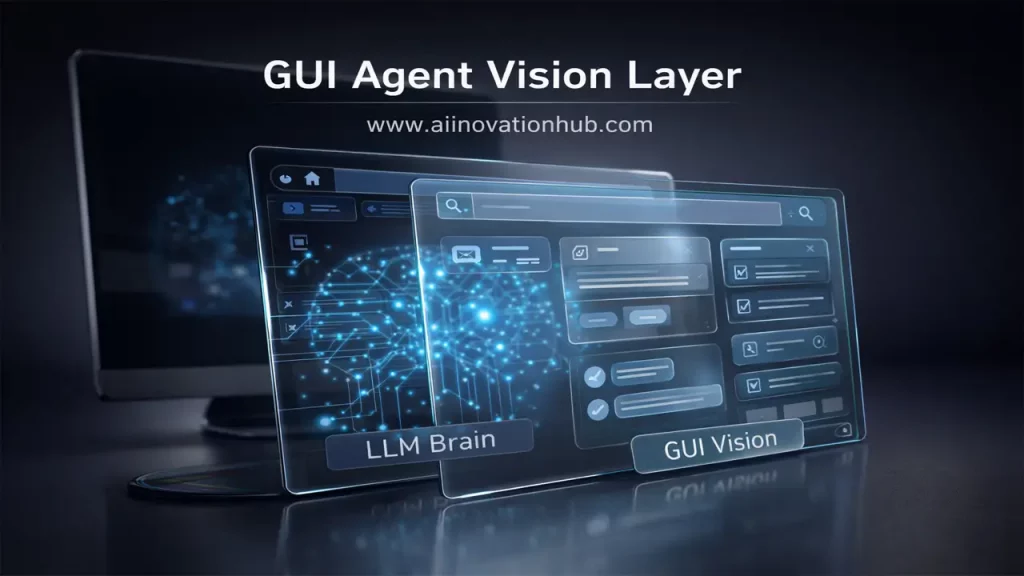
GUI agent vision serves as a distinct specialized component within artificial intelligence frameworks, functioning as the essential perceptual connector between large language models (the “brain”) and graphical user interfaces (the environment). As highlighted by Microsoft Research, although large language models are proficient in logical reasoning and decision-making, they inherently lack the capability for direct visual interpretation, necessitating dedicated vision modules such as OmniParser to accurately anchor actions to actual screen content.
This specialization arises from the fundamental distinction in responsibilities: the brain formulates strategies and plans, whereas the eyes handle observation and perception. In the absence of a robust vision layer, agents operate on partial or inaccurate information, resulting in reduced effectiveness and potential errors. OmniParser addresses this shortfall by transforming screenshots into structured, queryable components that language models can readily utilize, thereby facilitating fluid and reliable interactions.
The separation from primary large language model development stems from the specific hurdles involved, including managing diverse visual variations across interfaces and incorporating semantic comprehension. Studies from Microsoft Research indicate that this modular strategy significantly enhances overall system efficacy, particularly evident in combinations with models like GPT-4V, where performance gains are substantial.
Practically speaking, GUI agent vision enables the creation of versatile agents capable of operating across multiple platforms, including desktops and mobile devices, without requiring access to underlying code. It plays a critical role in specialized areas such as accessibility enhancements and automated software testing, where precise visual understanding is paramount.
With the advancement of artificial intelligence throughout 2025, this perceptual layer is establishing itself as a cornerstone of agent architecture, promoting greater innovation and integration. It is comparable to endowing AI systems with sensory capabilities, rendering them more comprehensive and adaptable to real-world applications.
OmniParser screen parsing
8. Metrics and Validation: What the WindowsAgentArena Benchmark Shows and Why It’s Crucial for “Not Just Demos”
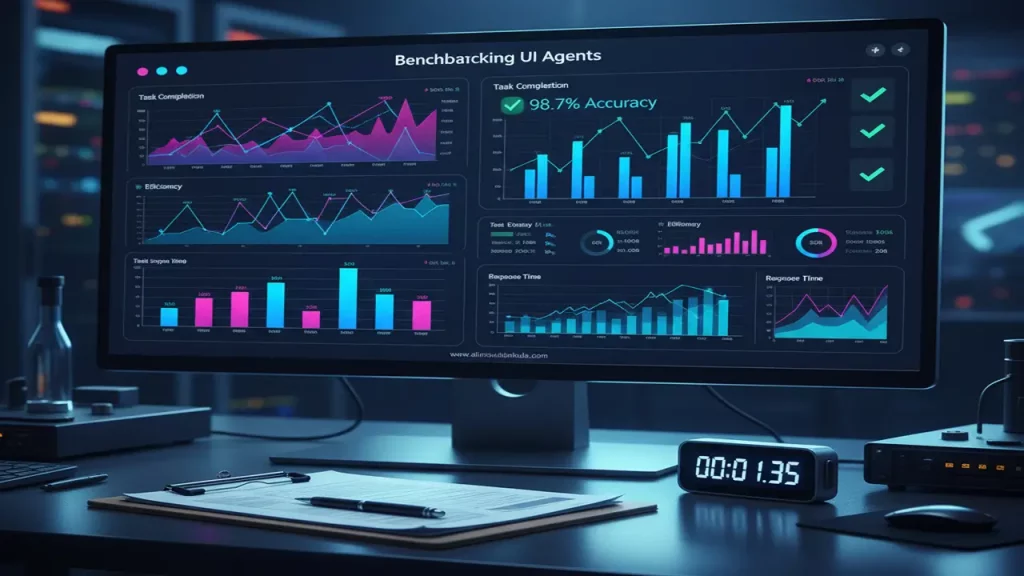
The WindowsAgentArena benchmark, created by Microsoft Research, assesses multi-modal operating system agents through more than 150 tasks on Windows platforms, focusing on aspects like strategic planning, screen comprehension, and task execution. This framework offers efficient, parallel testing in authentic settings, uncovering the true potential of agents far beyond simplistic demonstrations.
Benchmark outcomes reveal that agents augmented with OmniParser, such as the Navi agent, attain a success rate of 19.5%, in contrast to human benchmarks of 74.5%, underscoring persistent challenges in visual processing and logical reasoning. Configurations combining OmniParser with GPT-4V demonstrate superior results, affirming the tool’s effectiveness in enhancing parsing capabilities.
The importance of this benchmark lies in its ability to guarantee dependability for real-world deployments, identifying vulnerabilities in practical contexts that might not appear in controlled environments. It spurs ongoing enhancements, as demonstrated by the refinements in OmniParser V2.
Throughout 2025, these evaluative standards have fostered greater confidence among users and developers, steering the integration of agents into vital sectors like enterprise software and personal productivity tools. It represents a progression toward sophisticated AI solutions that extend beyond experimental prototypes to dependable, everyday utilities.
OmniParser screen parsing
9. What’s New in OmniParser V2: Speed, Small Elements, Practicality for Production
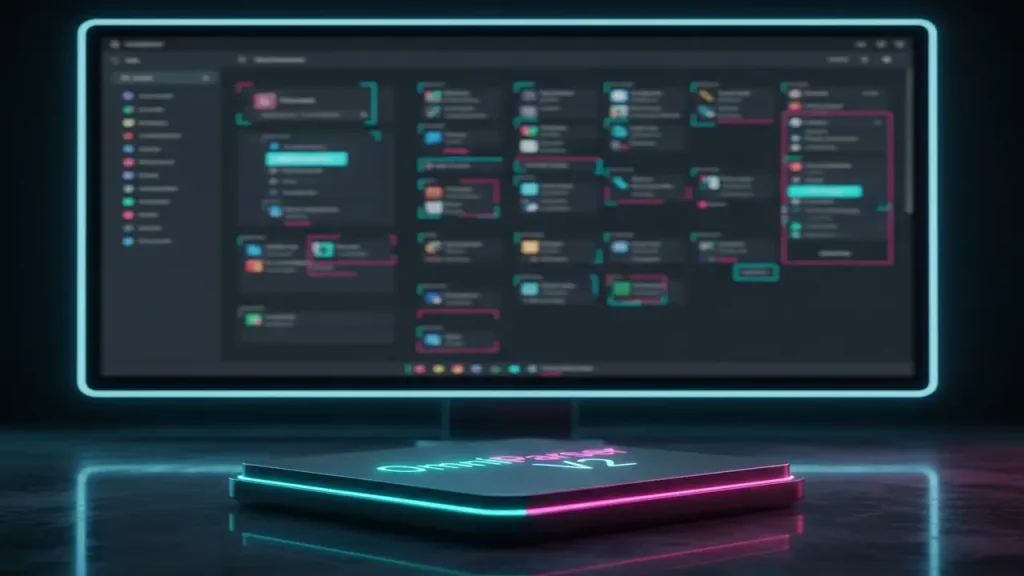
OmniParser V2, unveiled by Microsoft Research in early 2025, advances upon its predecessor by incorporating expanded datasets for both interactive element detection and icon captioning, leading to superior precision in identifying minute components and a notable 60% decrease in processing latency to approximately 0.6 seconds per frame. This version also embeds responsible AI practices during training to mitigate potential biases and ensure ethical application.
Among the innovative additions is OmniTool, a containerized Windows environment that seamlessly integrates with a range of large language models, including OpenAI’s 4o, o1, and o3-mini series, DeepSeek’s R1, Qwen’s 2.5VL, and Anthropic’s Sonnet, effectively converting them into functional computer-use agents. Benchmark improvements are evident, with a state-of-the-art 39.6% average accuracy on the ScreenSpot Pro evaluation, a dramatic leap from GPT-4o’s baseline of 0.8%.
Tailored for production environments, V2’s enhanced velocity and accuracy facilitate real-time operations, making it suitable for demanding applications such as continuous monitoring and interactive automation.
This iteration bolsters the tool’s real-world applicability, encouraging broader adoption across industries in 2025 by providing a more robust and efficient foundation for vision-based AI agents.

Final Thoughts: Screen Understanding for LLMs—The Next Standard for Agent Systems; Who Benefits in 2025 and Why Follow This on aiinnovationhub.com
Screen understanding for large language models, as demonstrated by OmniParser, is emerging as the foundational norm in agent-based systems, empowering them to decipher user interfaces with human-like acuity. By delineating perception from cognitive processing, it amplifies operational efficiency and accuracy in diverse scenarios.
In 2025, key beneficiaries include software developers gaining streamlined automation workflows, businesses achieving enhanced productivity through intelligent task handling, and UI/UX professionals benefiting from superior testing and accessibility features that promote inclusive design.
To stay informed on these evolving developments, consider following aiinnovationhub.com, a resource where cutting-edge AI trends converge with actionable insights, helping you navigate the rapidly advancing landscape of intelligent technologies.
Mxwow… Alright, I got to say, it surprised me you would not regret it. Wanna know what I am talking about? Check it here: